@Mentions and Slash / Commands
Last updated: September 4, 2026
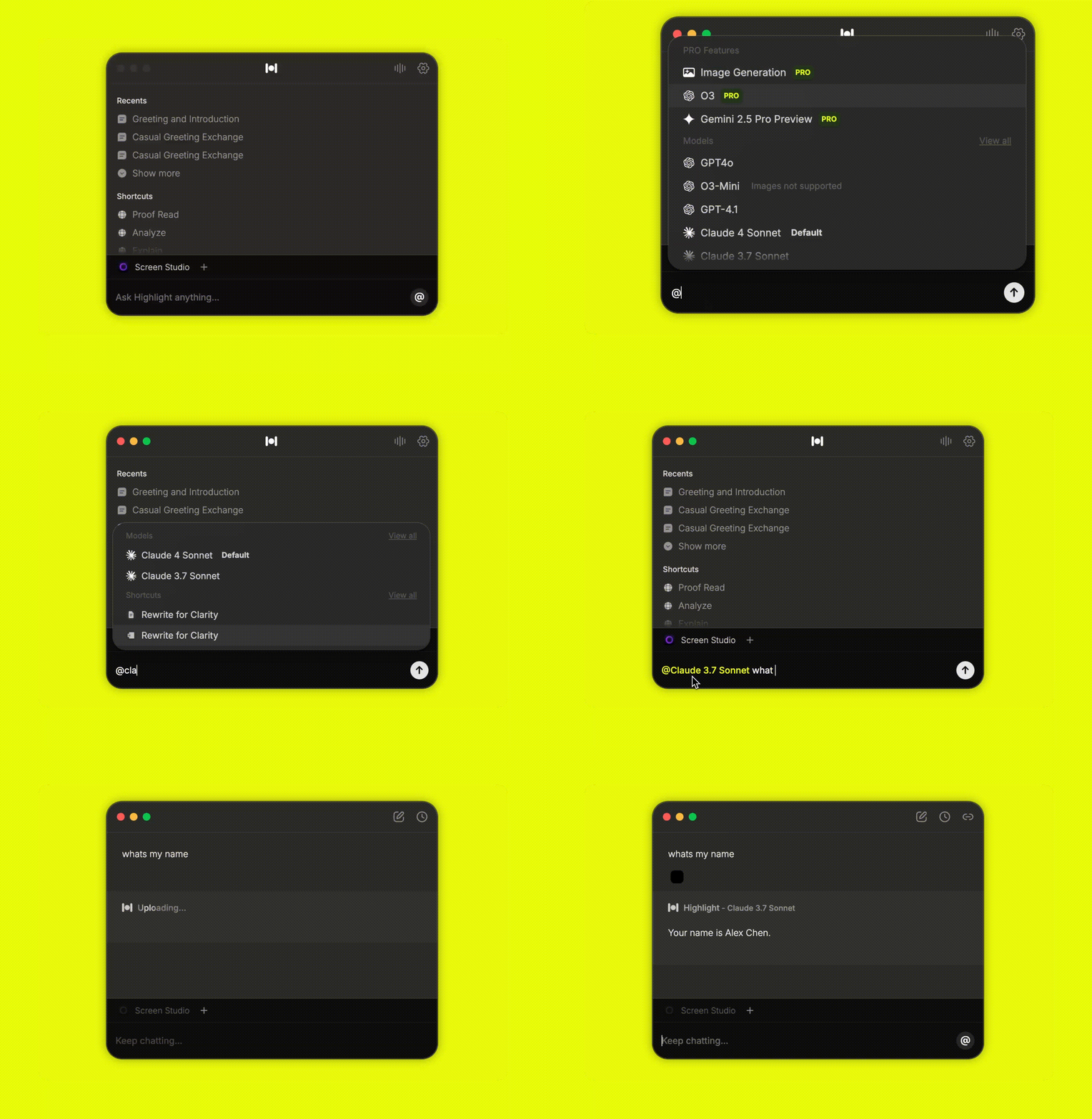
Access all the available features directly in chats.
Usage
Simply type @ followed by the feature name to quickly invoke models, plugins, shortcuts, or image generation without navigating through menus.
When you use a / command, it invokes your available Skills.
Available Options
These are the available options Highlight can currently access through chat.
@Model
Choose between available hosted models or add custom models to use in chat. See 📄 Models page for more details.
@Connections
Choose from available plugins or MCP tools to use them in chat. See 📄 Integrations overview for more details.
@ImageGeneration
This is a
BETAfeature. Create your own Ghibli style images using OpenAI's image generation API./Skills
Invoke a skill to run at anytime via chat, just like in your favorite apps, just like Claude.